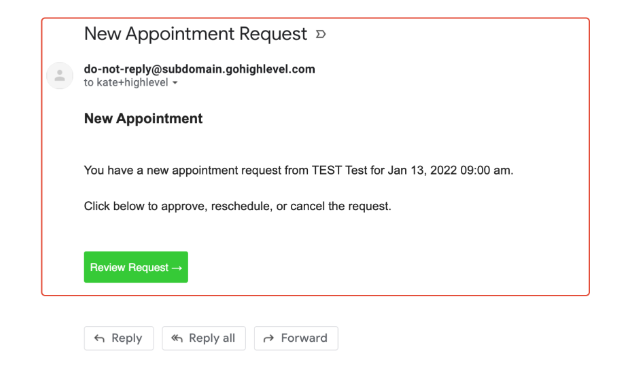
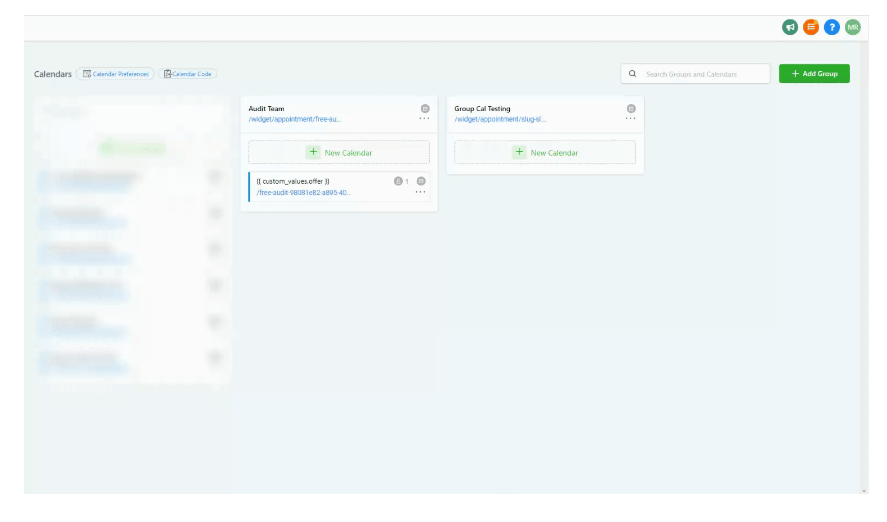
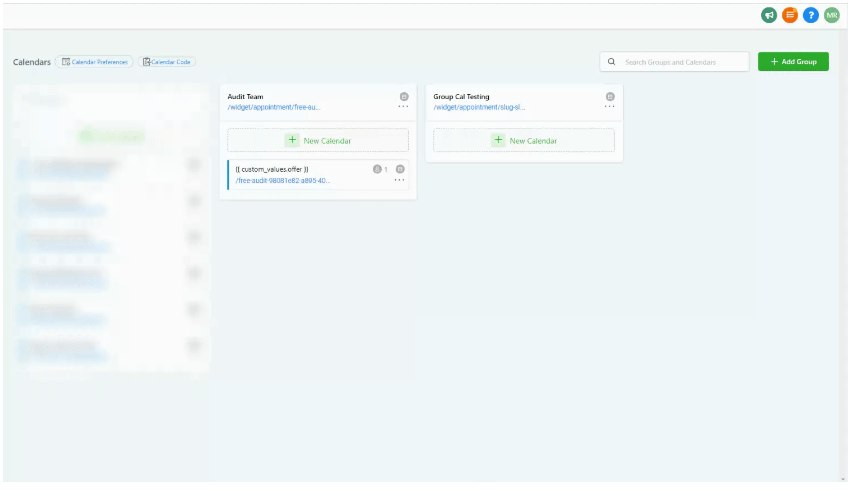
The “New Appointment Request” notifications are sent from the Unassigned Calendar and the Group Calendar.
How to disable "New Appointment Requests" for assigned users within Group Calendars
Locations Settings > Calendar Settings > Open Calendar > Click on tab 3. Confirmation tab > Save
How to disable "New Appointment Requests" for assigned users within
Group Calendars
Locations Settings > Calendar Settings > Open Calendar > Click on tab 3. Confirmation tab > Save
Please Note:
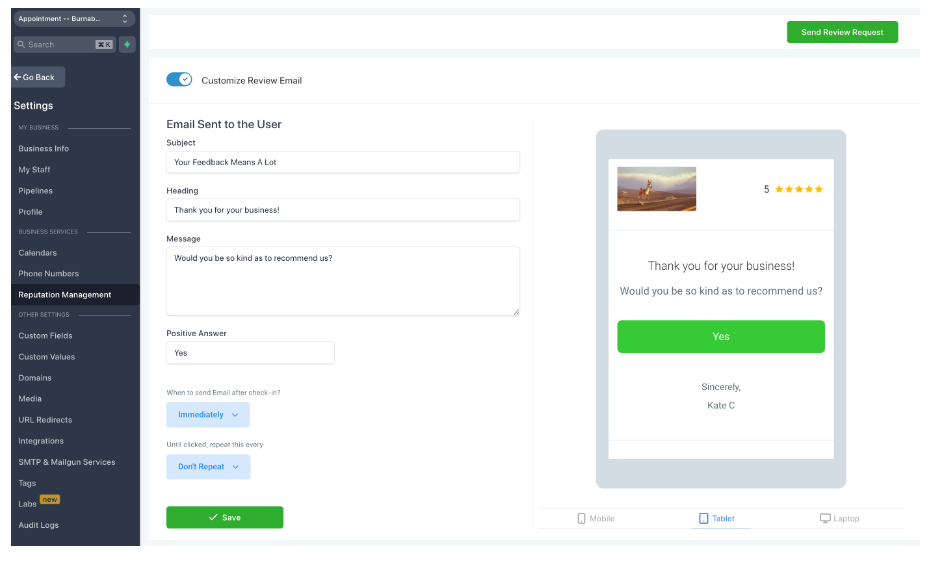
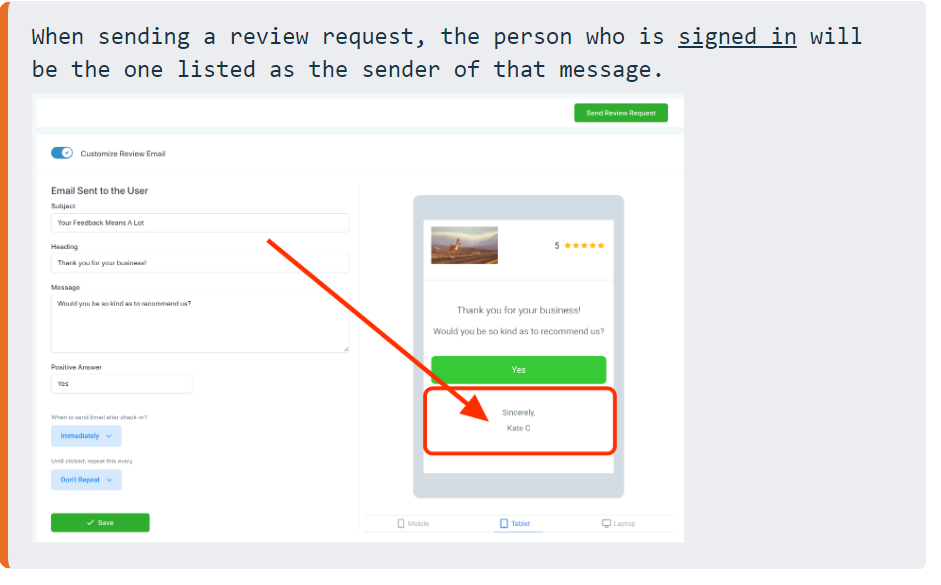
Appointment Review Request Email & SMS - [Can be disabled]
Please Note:
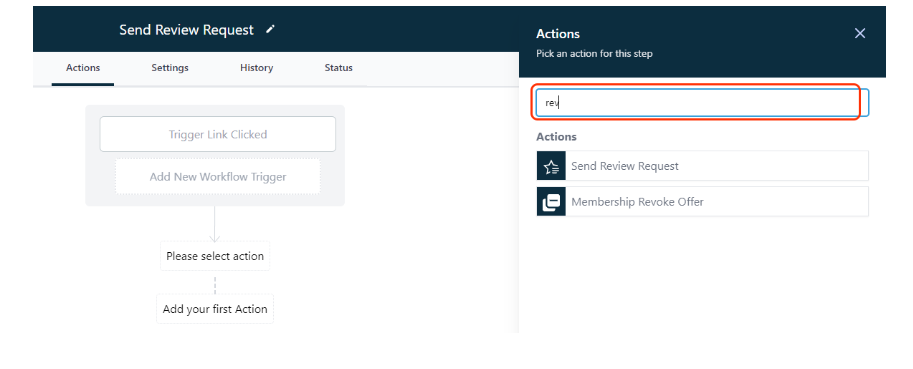
If you are looking to send a review request from the contacts assigned user, please use the Workflows action “Send Review Request” to send a request on behalf of the assigned user.
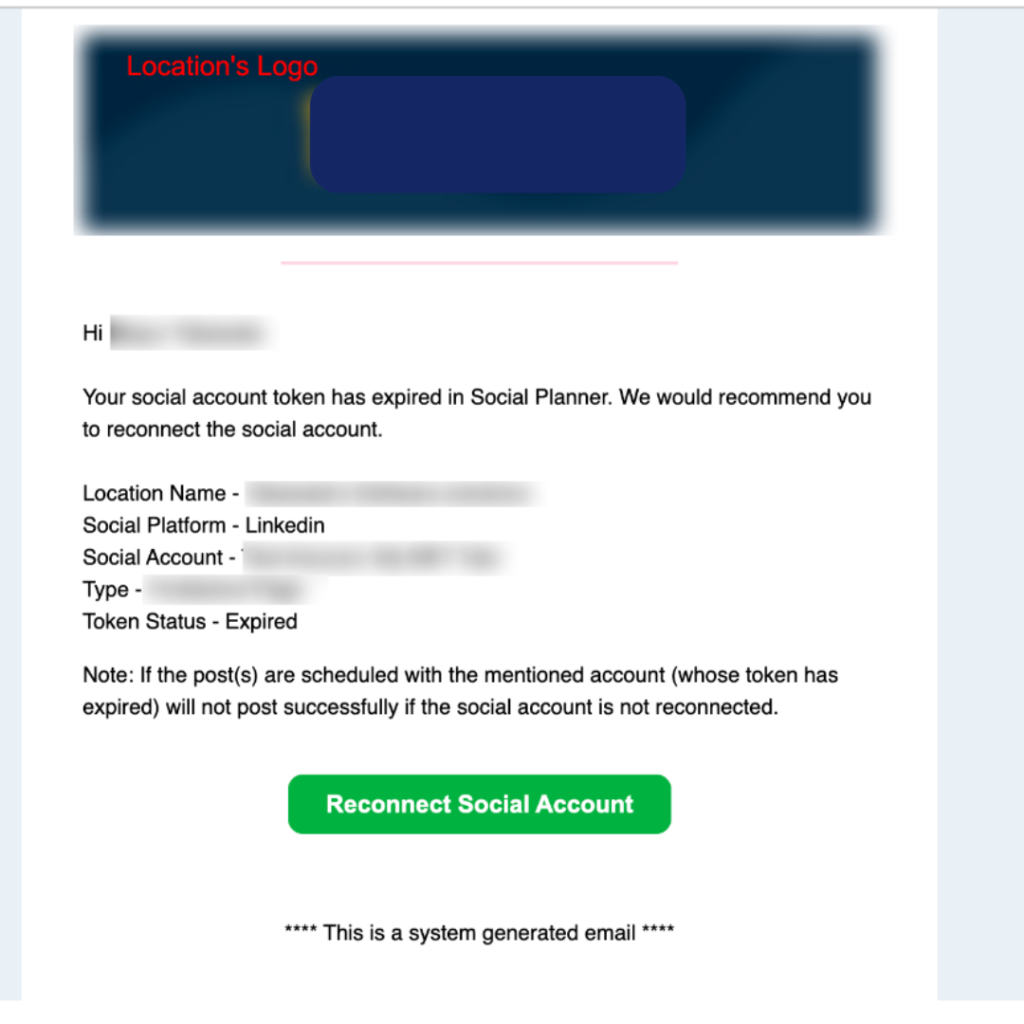
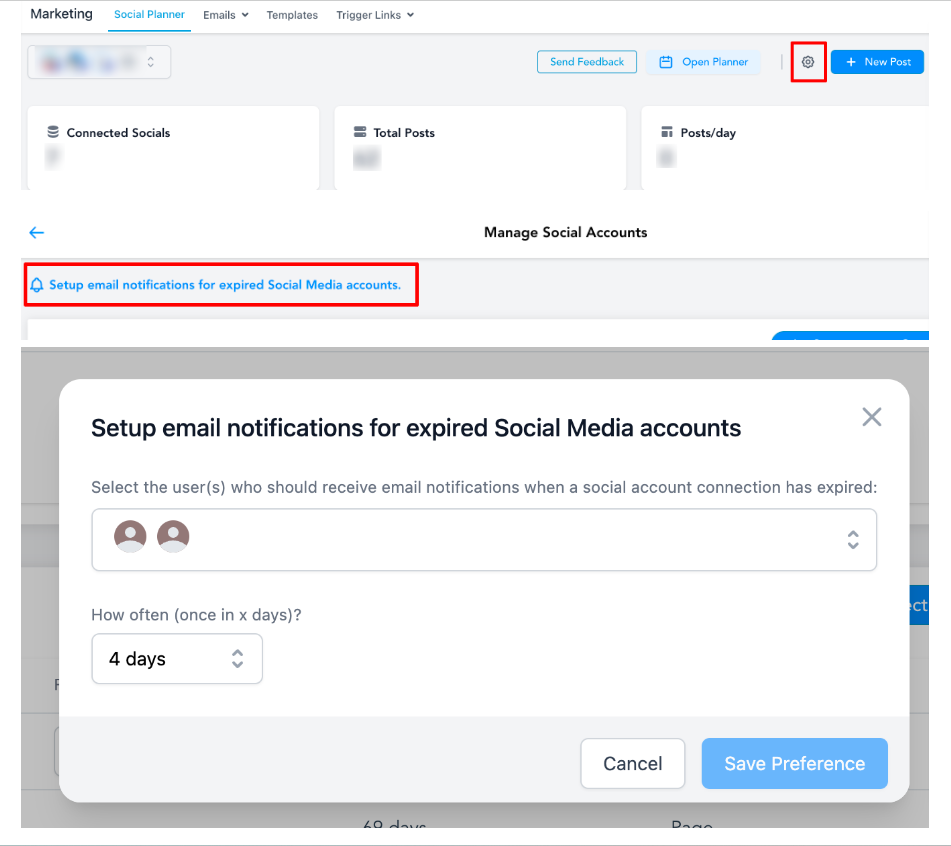
Social Planner Reconnect expired token notification email - [Can be disabled]
Please Note:
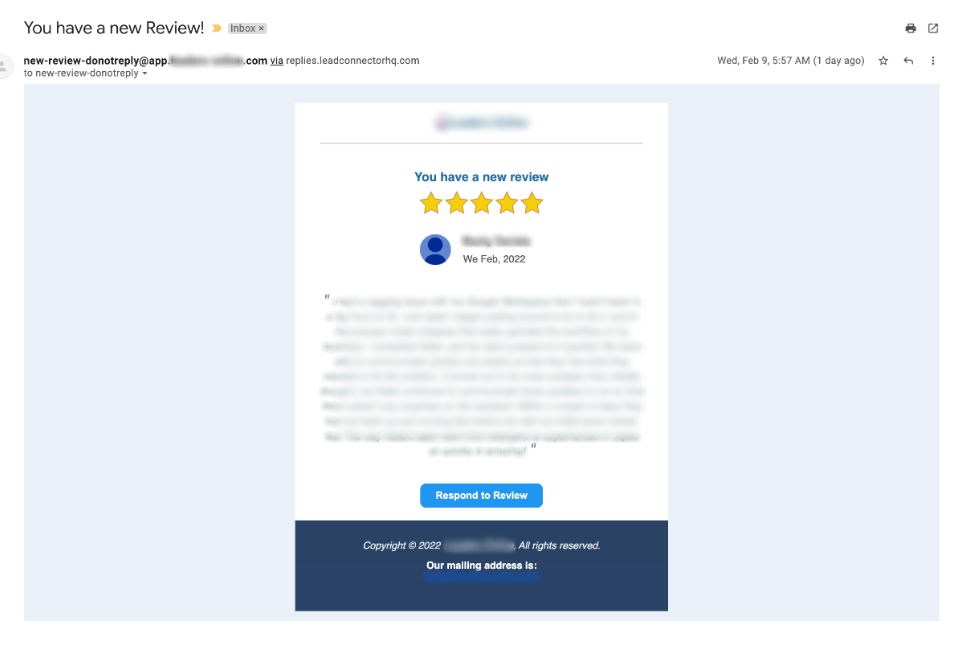
New Review Email (Can be disabled)
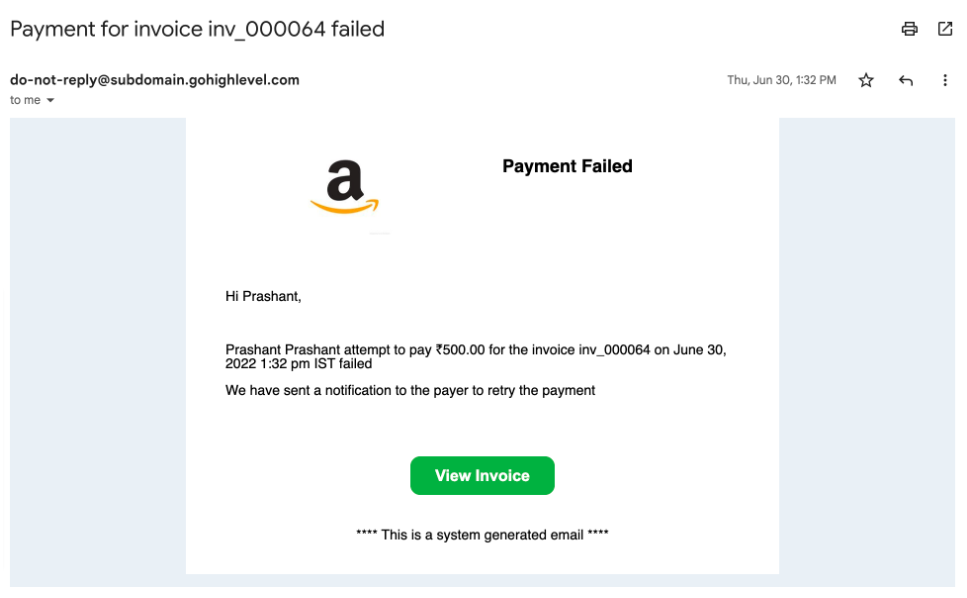
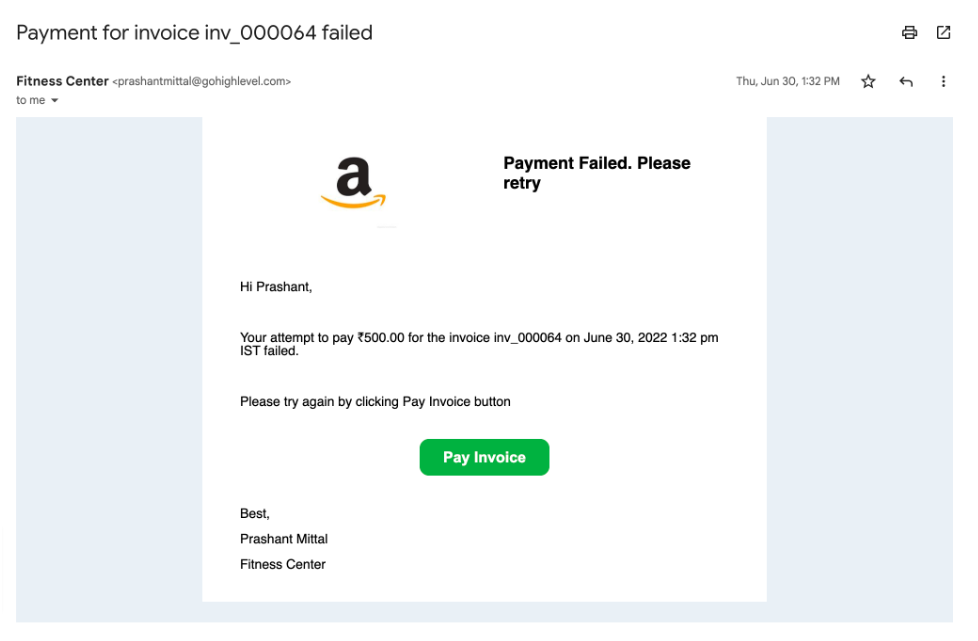
Invoice payment attempt failed for the end customer:
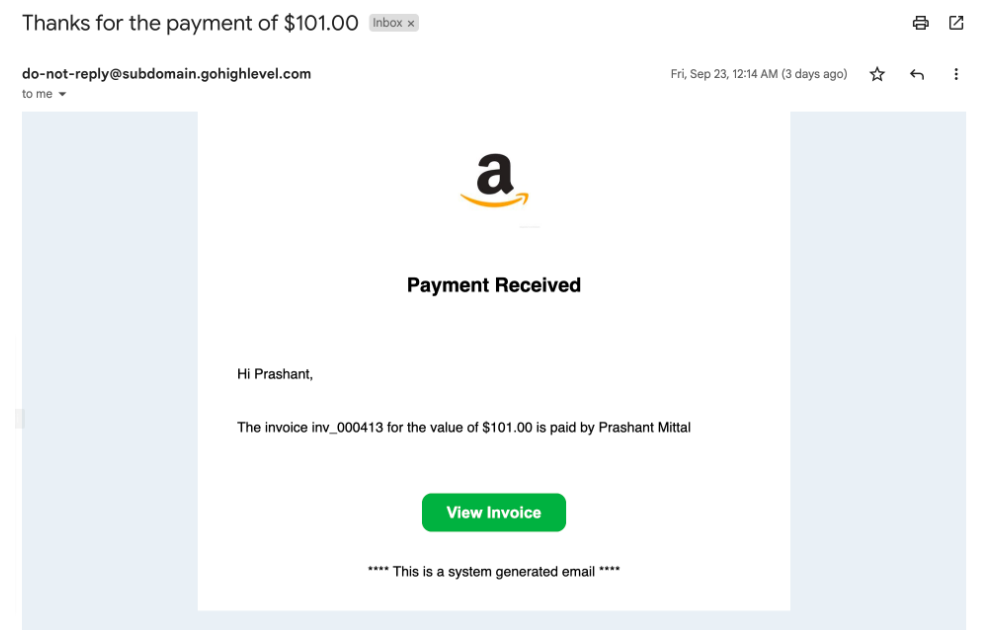
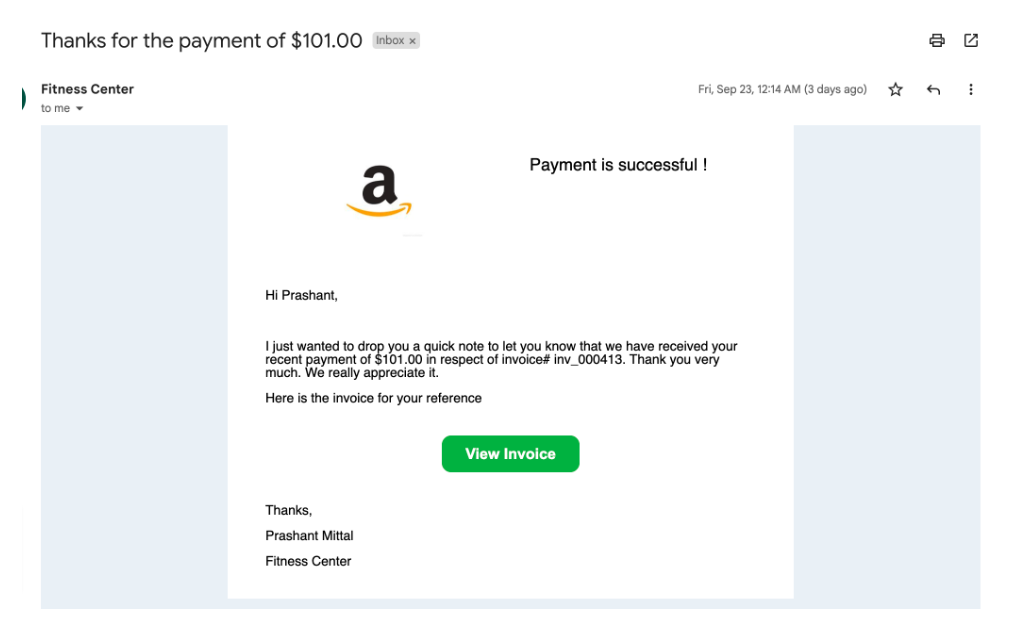
Invoice payment successful by end customer:
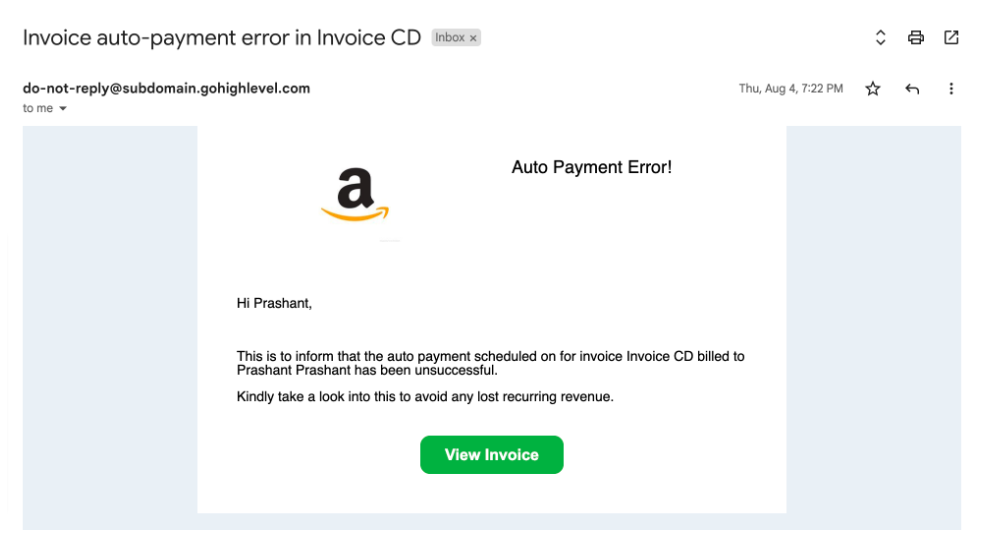
Error in auto payment of a recurring template:
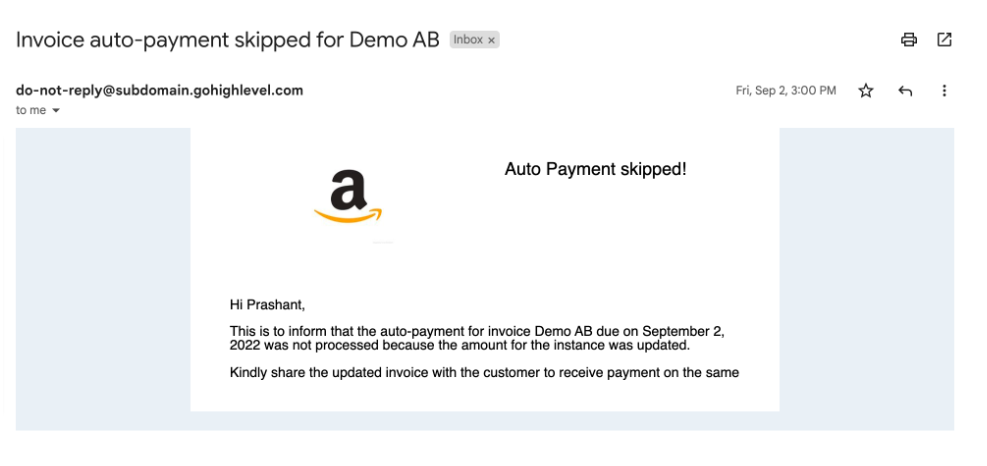
Skipping auto payment because the amount was manually updated for the invoice:
End customer:
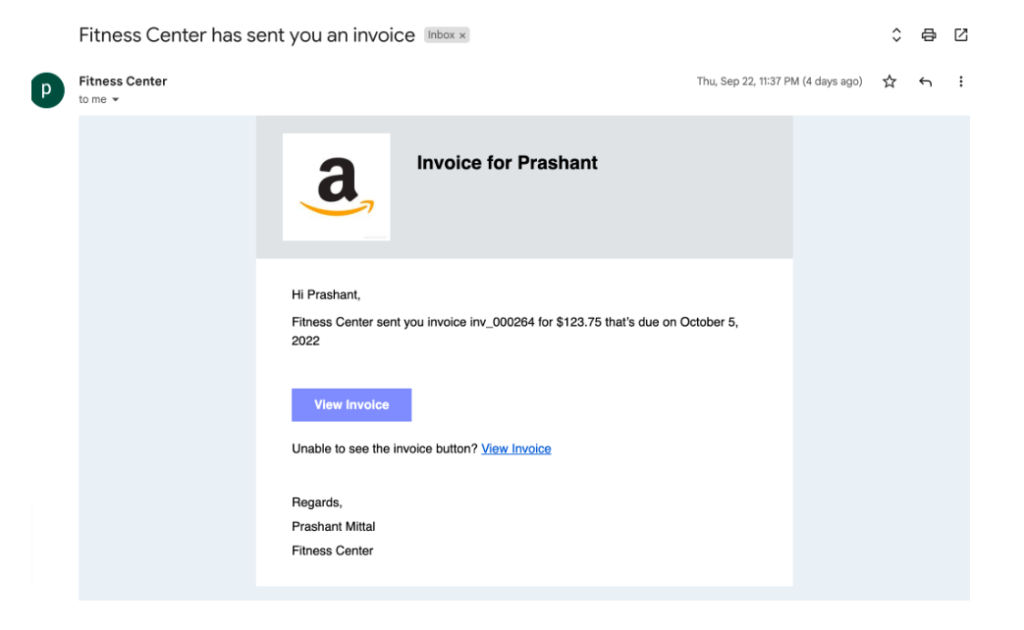
Invoice is received:
Payment for an invoice is successful:
Payment attempt for an invoice has failed:
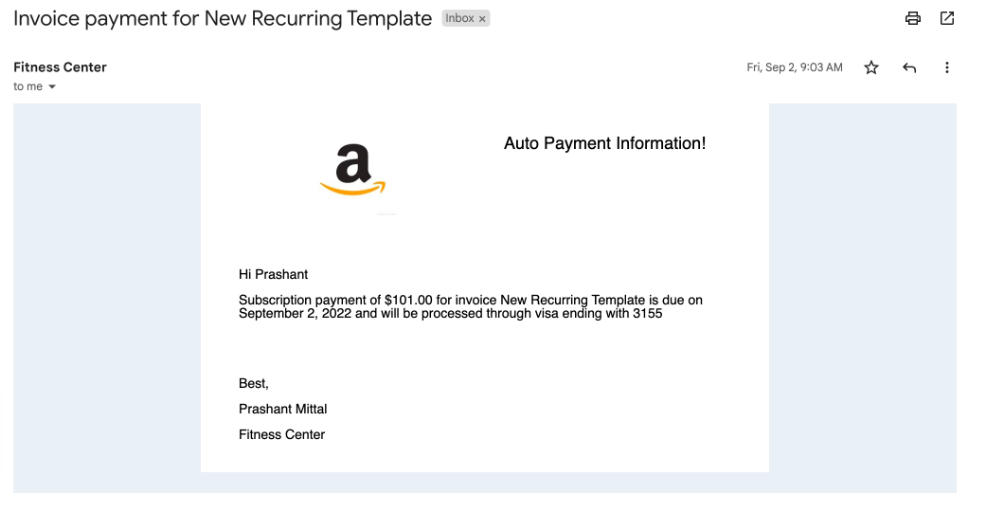
Upcoming auto payment information:
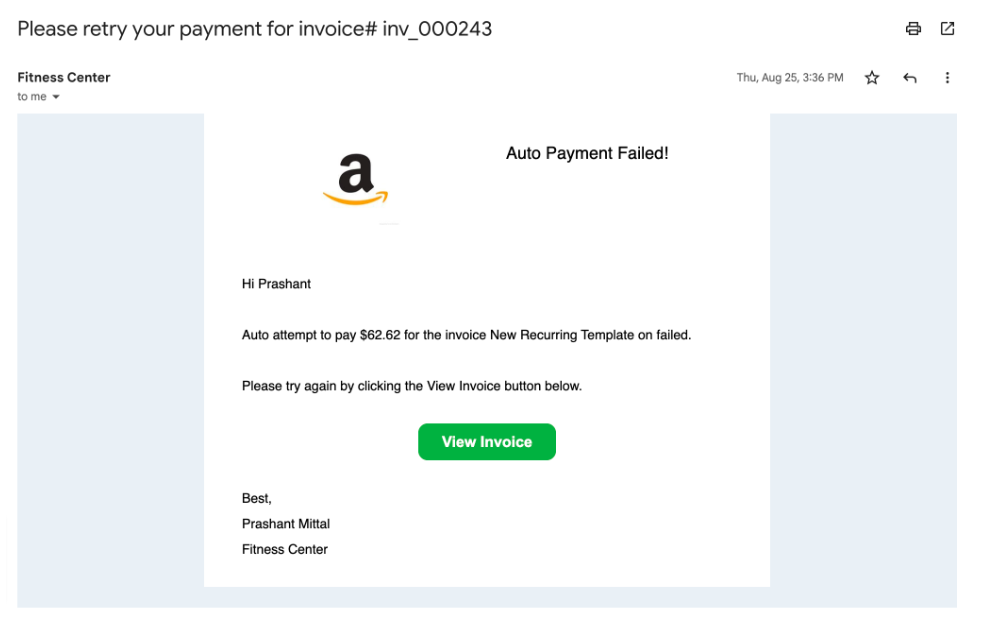
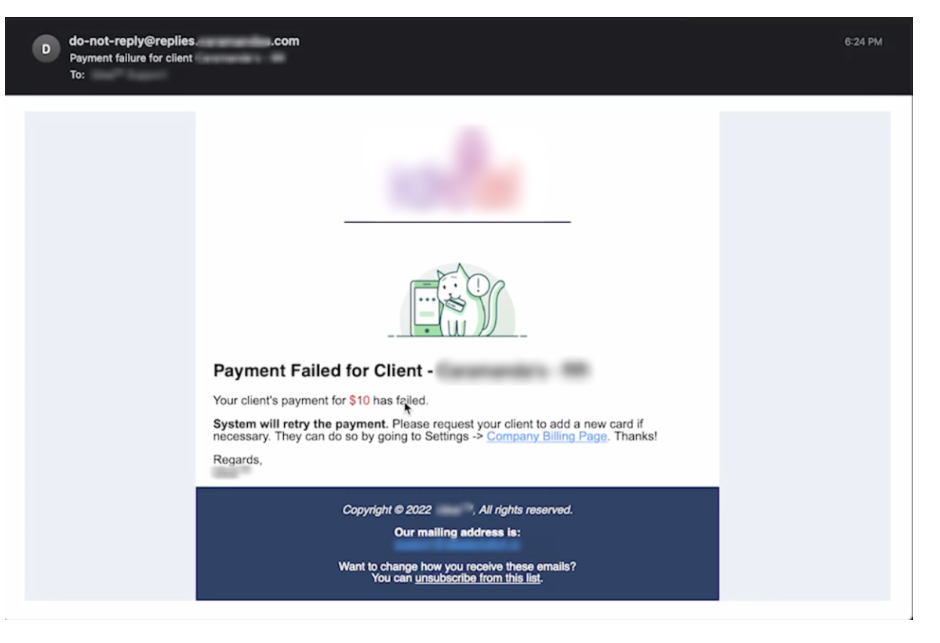
Auto payment failed for a recurring template:
Agency Level
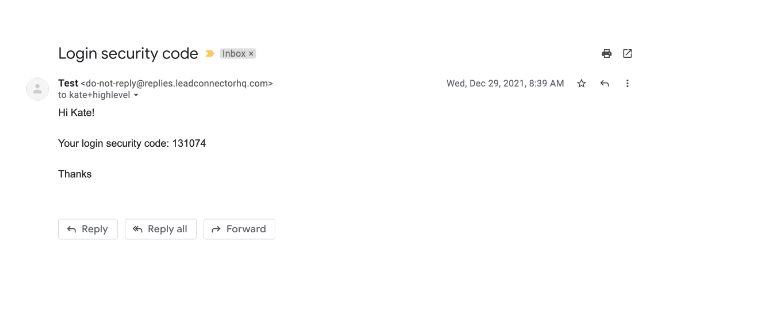
Verification Code Email
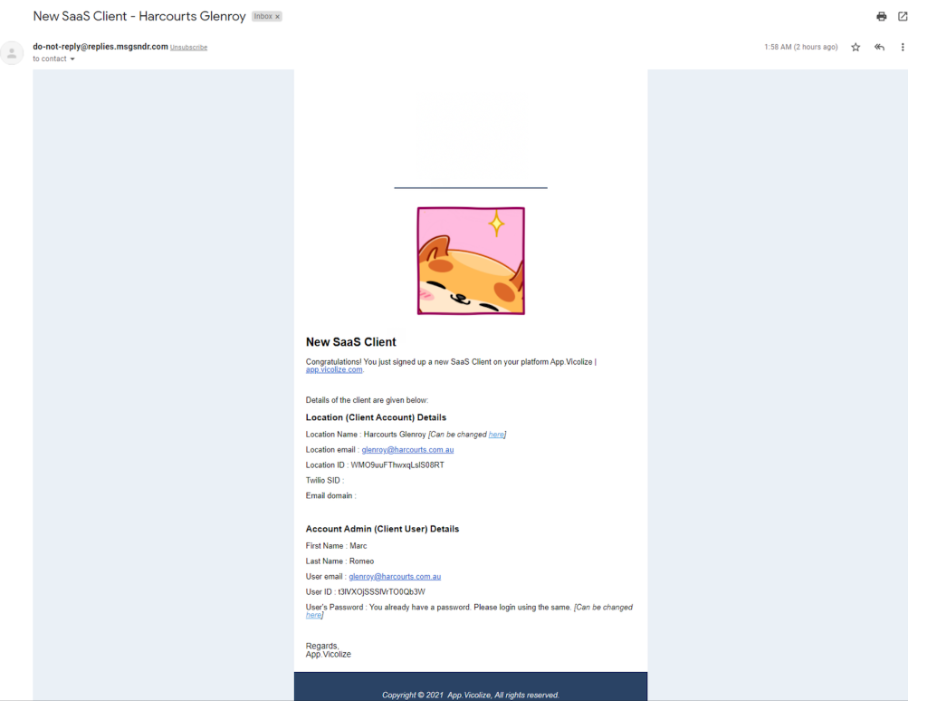
New User Email Notification
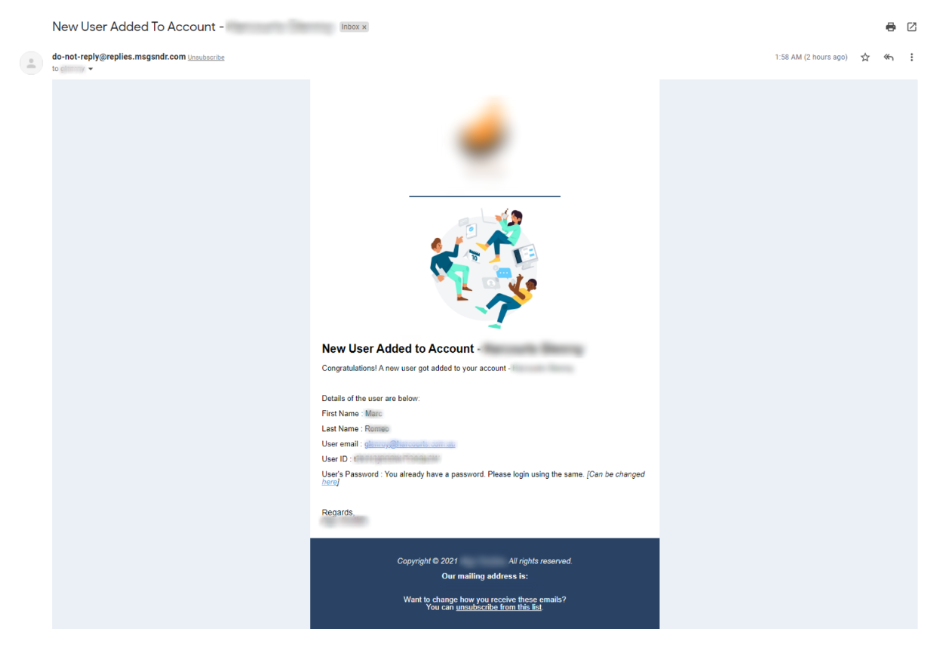
Notify the agency when a user is added to an agency account or a location
Notify location when a user is added to a new account (location)
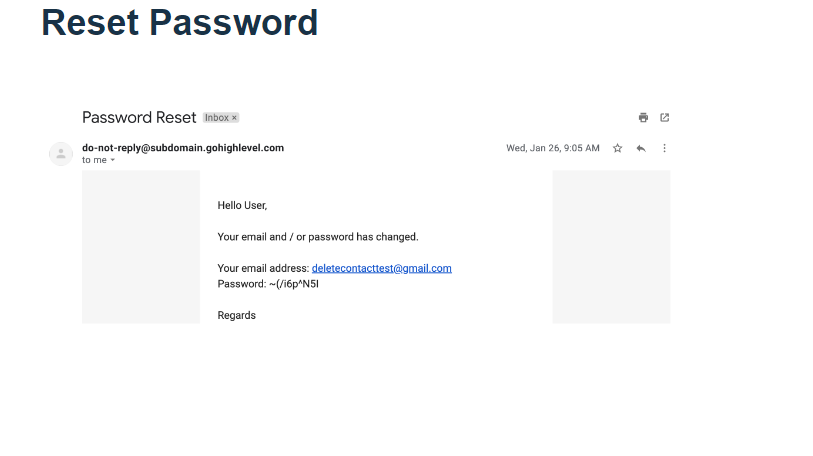
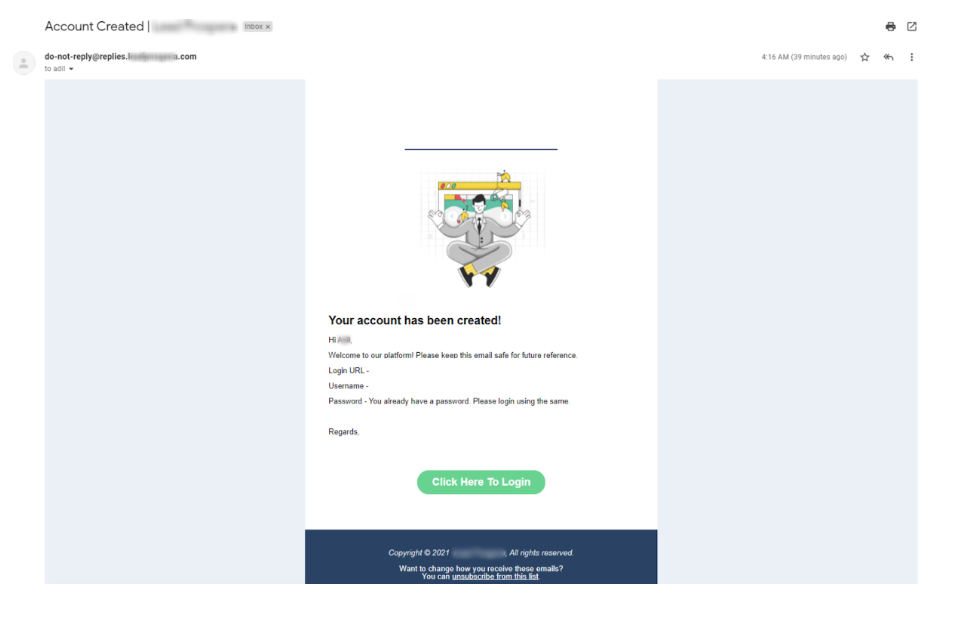
Notify a new user with a username & password when their account is created