
Company is the place where you can make changes to company (client) business information
To access Company Settings click Settings on the company dashboard -> Company
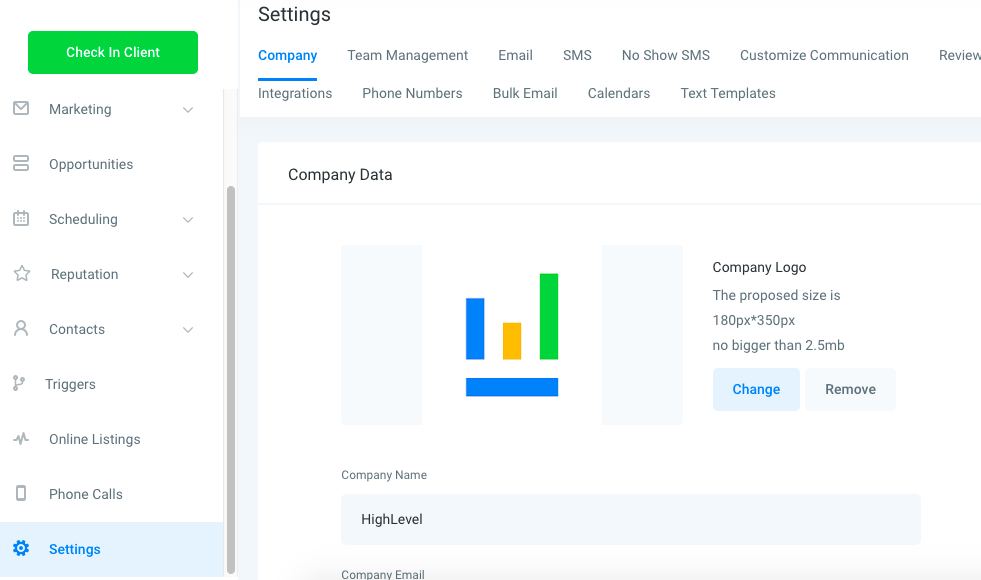
Company Data – Company
- Company Logo – *Displays in Accounts on the agency view and used in Email Reviews
- Company Name – *Used as a Custom Value for Emails and SMS within campaigns
- Company Email
- Company Phone
- Company Website
- API Key – *Used for Zapier and API integrations
Company Address – Company
- Address
- City
- Zip Code
- State/Province/Region
- Country
- Time Zone – *Automated events within campaigns work with this field to determine when to send