How to create a company?
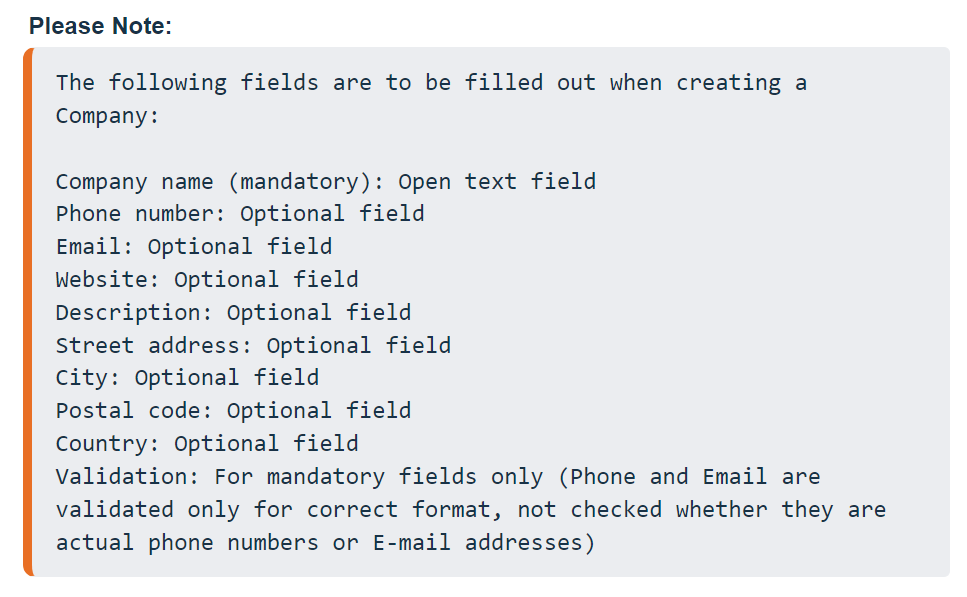
To create a company head to Contacts > Company > New Company

Fill out the information in the fields provided and then click on Add Company:

How to edit/update Company details:
To edit the details of an existing company, Go to the Company Tab and hit the 3 dots next to the Company and hit Edit Company:

How to Delete a Company:
To delete a Company, Go to the Company Tab and hit the 3 dots next to the Company and hit Delete Company:

Please Note:
Deleting a company does not delete its contacts from your contacts list, it only removes the Company information from that contact's Company tab

This tab here:

Becomes blank:

How to add contacts to a company:
At the moment the only way to enter contacts into a Company is by manually heading into their Company tab, Searching for a company, and then adding them to it:

You can mark multiple contacts and then switch between them for ease of adding contacts to a company in bulk:

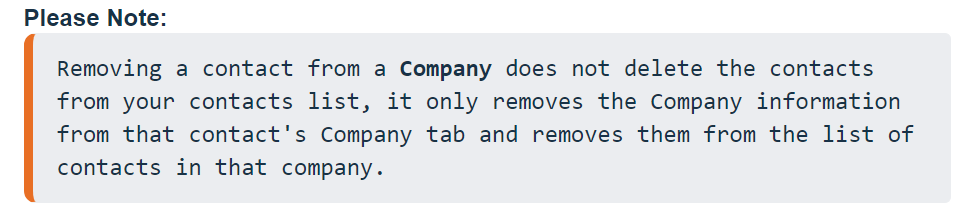
How to remove a contact from a company:
To remove a contact from a Company please head to the Company tab, click on the company you want to remove the contact from, Switch to Contacts inside the Company tab, Hit the Trash button next to the contact you want to remove from that Company, When prompted to confirm, Click on Yes.