Step 1: Log into Google Analytics
Step 2: Go to Admin Settings
Step 3: Click on the Create Property and add the name of the property

Step 4: Go to Data Stream located within the left menu

Step 5: Choose the Web option and add the URL of the funnel/website which you would like to track.
Once you have added the stream URL and named your stream, please proceed to click on the “Create Stream” button

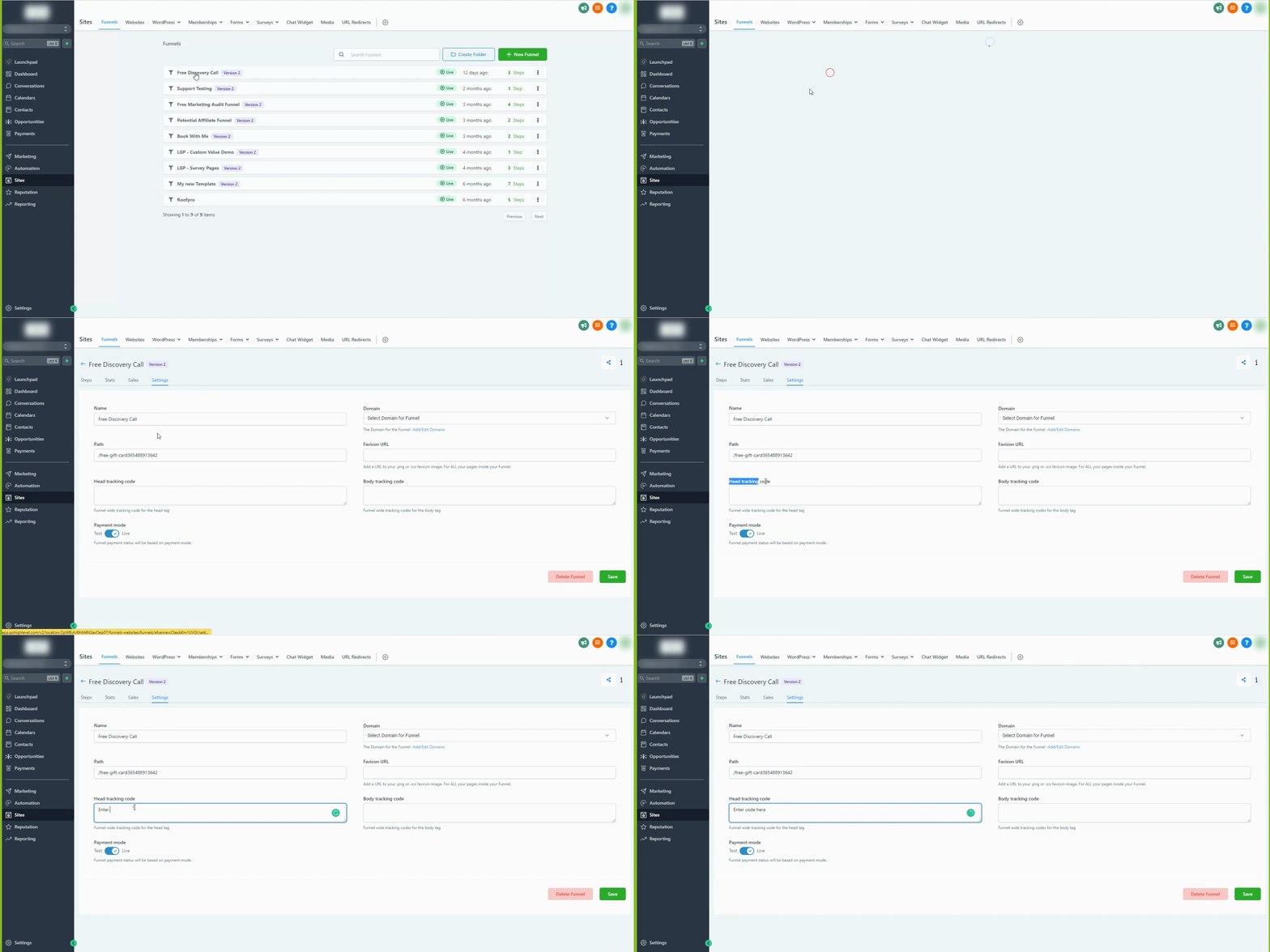
Step 6: Add the script (gtag.js) provided inside Google to the Funnel/Website tracking code OR follow the instructions of the Google Tag manager given below.

How to add Google Site Tag (gtag.js) to your Funnel/Website <head>